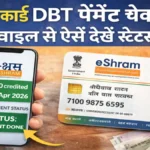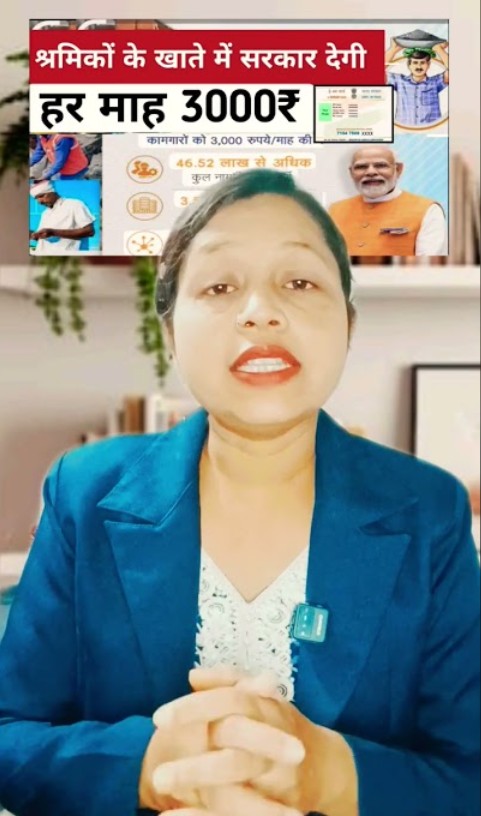
If you have registered for the E Shram Card and want to check whether the payment has been credited to your bank account, this detailed guide will help you. In this article, you will learn how to check E Shram Card payment status online, how to verify the amount in your bank account, eligibility details, and what to do if the payment has not been received.
What is E Shram Card?
Ministry of Labour and Employment launched the E Shram Portal to create a national database of unorganized sector workers. After registration, workers receive a 12-digit Universal Account Number (UAN), commonly known as the E Shram Card. The government may provide financial assistance and insurance benefits through Direct Benefit Transfer (DBT).
E Shram Card Payment Overview 2026
| Particular | Details |
|---|---|
| Scheme Name | E Shram Card Yojana |
| Launched By | Government of India |
| UAN Number | 12-Digit Unique Number |
| Payment Mode | Direct Benefit Transfer (DBT) |
| Official Website | eshram.gov.in |
| Beneficiaries | Unorganized Sector Workers |
How to Check E Shram Card Payment Status Online
Follow these steps to check your E Shram Card payment status:
Step 1: Visit the official website eshram.gov.in.
Step 2: Click on the “Already Registered” option.
Step 3: Enter your UAN Number or Registered Mobile Number.
Step 4: Verify using the OTP received on your mobile.
Step 5: After login, check the dashboard for payment details.
If the payment has been released, transaction details will be visible on the screen.

How to Check E Shram Payment in Bank Account
Sometimes website updates may be delayed. You can also verify the payment directly in your bank account using the following methods:
- Update your bank passbook.
- Check ATM mini statement.
- Use net banking services.
- Use mobile banking application.
- Call your bank’s toll-free number.
If the payment has been credited through DBT, it may appear as “DBT” or “Government Payment” in the transaction description.
Check Payment Using UMANG App
UMANG App allows users to access various government services, including labour-related services. Download the app, log in with your registered mobile number, navigate to labour services, and check your payment status.
How Long Does It Take to Receive the Payment?
Once the government releases the payment, it may take 3 to 7 working days to reflect in your bank account. If the amount is not credited within 10 days, contact your bank branch or visit the nearest Common Service Center (CSC).
What to Do If Payment Is Not Received
If you have not received the E Shram Card payment, check the following:
- Ensure your bank account is linked with Aadhaar.
- Verify that your mobile number is active.
- Complete KYC verification.
- Confirm that your registration details are correct.
If all details are correct and payment is still pending, visit the nearest CSC center for assistance.
E Shram Card Eligibility Criteria
| Criteria | Requirement |
|---|---|
| Age Limit | 16 to 59 Years |
| Worker Category | Unorganized Sector Workers |
| Income Tax Payer | Not Eligible |
| EPFO/ESIC Member | Not Eligible |
Important Search Queries
E Shram Card payment status 2026
How to check E Shram Card payment online
E Shram Card DBT status check
E Shram Card UAN number payment check
When will E Shram Card payment come
Conclusion
Checking your E Shram Card payment status is simple and can be done online through the official portal, via the UMANG App, or directly through your bank account. Make sure your Aadhaar is linked with your bank account and your KYC details are complete. Regularly check the official portal for updates regarding payment releases and government announcements.